How to Set Up Sound Safari
Download and install Sound Safari from the App Store. When you first open the app, you'll choose whether you're a therapist or a parent — this customizes your experience.
When you first open Sound Safari, you'll pick whether you're a therapist or a parent — this customizes the whole app. A short setup guide follows.
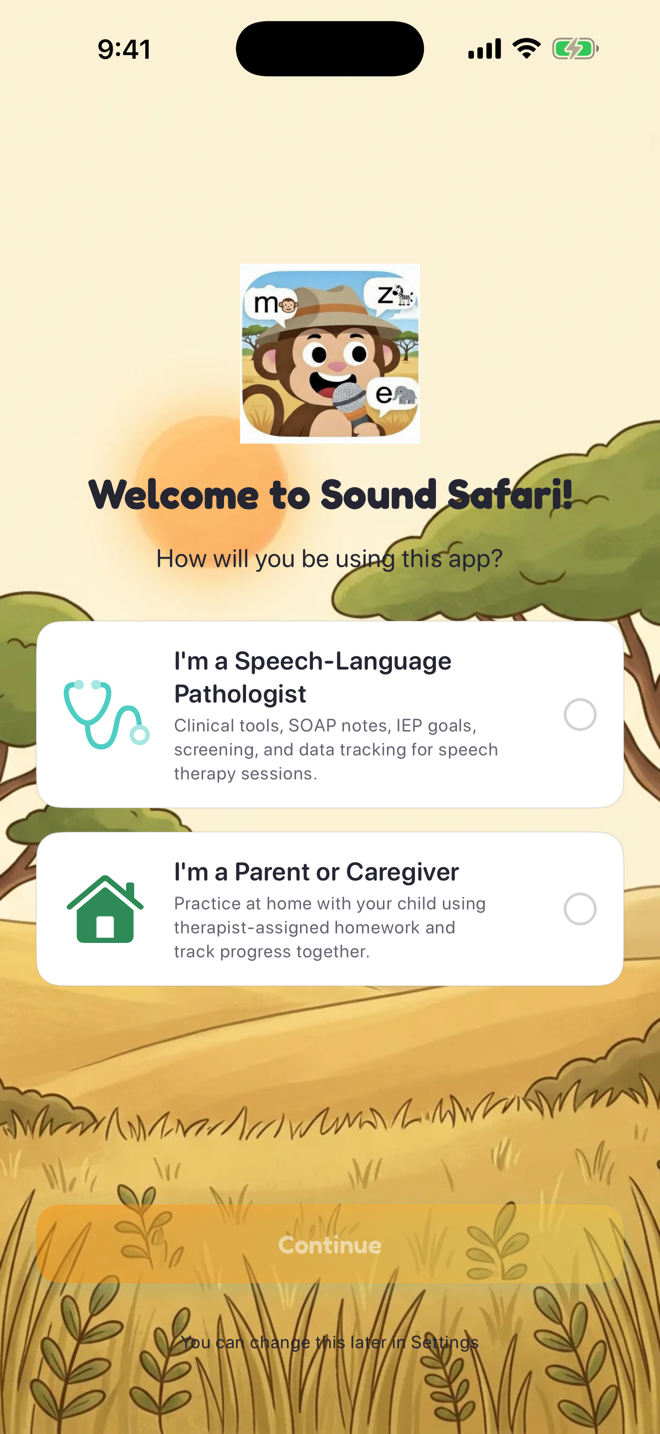

Adding your first student:
Tap the Students tab
Tap + Add Student
Enter their name, pick a fun safari avatar, and optionally add their age
Tap Save
Running your first practice session:
From the student's profile, tap a speech sound to target (like /s/ or /r/)
Choose a word position (initial, medial, or final)
Select a practice activity — options include flashcards, matching games, spinner wheels, and more
Tap Start Practice
Score each response as correct, incorrect, or approximation
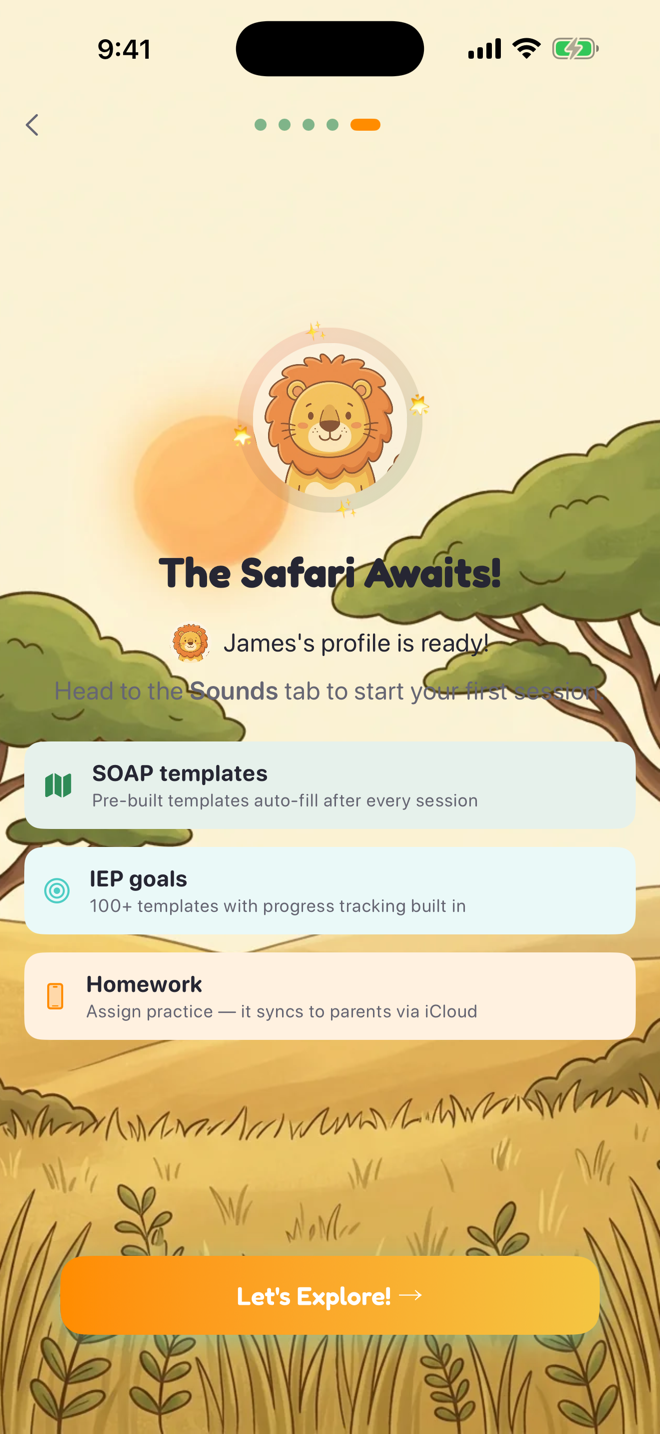
That's it — you're ready to go! Your student's progress is saved automatically.
Was this helpful?
Still need help? Share an idea