Running Articulation Screenings
How to screen sounds and interpret recommendations.
Starting a screening:
1. Open a student's profile
2. Tap Screening (or go to the Screening tab)
3. Enter the student's age
4. Tap Start Screening
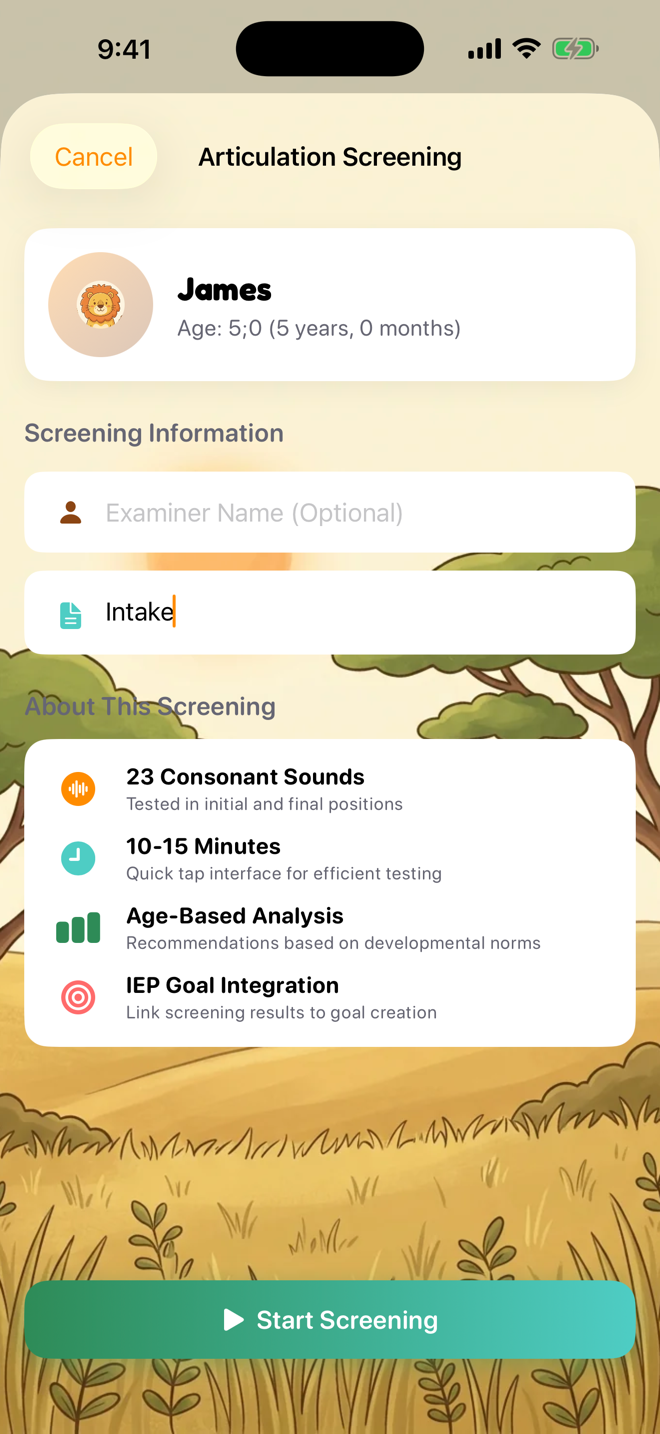
During the screening:
- Each card shows a target word with a picture
- Listen to the student's production
- Score as: Correct (C), Distorted (D), Substituted (S), or Omitted (O)
- For substitutions, note what the student said instead

After the screening:
- View the Sound Inventory — which sounds are correct in each position
- See Recommendations ranked by priority (High, Medium, Low)
- Recommendations are based on developmental norms (McLeod & Crowe 2018)
- Export a PDF screening report to share with parents or file in records

Understanding recommendations:
- High priority: Sound is significantly delayed — consider targeting in therapy
- Medium priority: Sound is emerging but may benefit from intervention
- Low priority: Sound is age-appropriate or expected to develop soon
Was this helpful?
Still need help? Share an idea