Scoring and Prompt Levels Explained
How scoring modes and the cueing hierarchy work.
Sound Safari gives you a few ways to control how scoring looks and feels during a session — pick what fits the student in front of you.
Scoring buttons: two or three
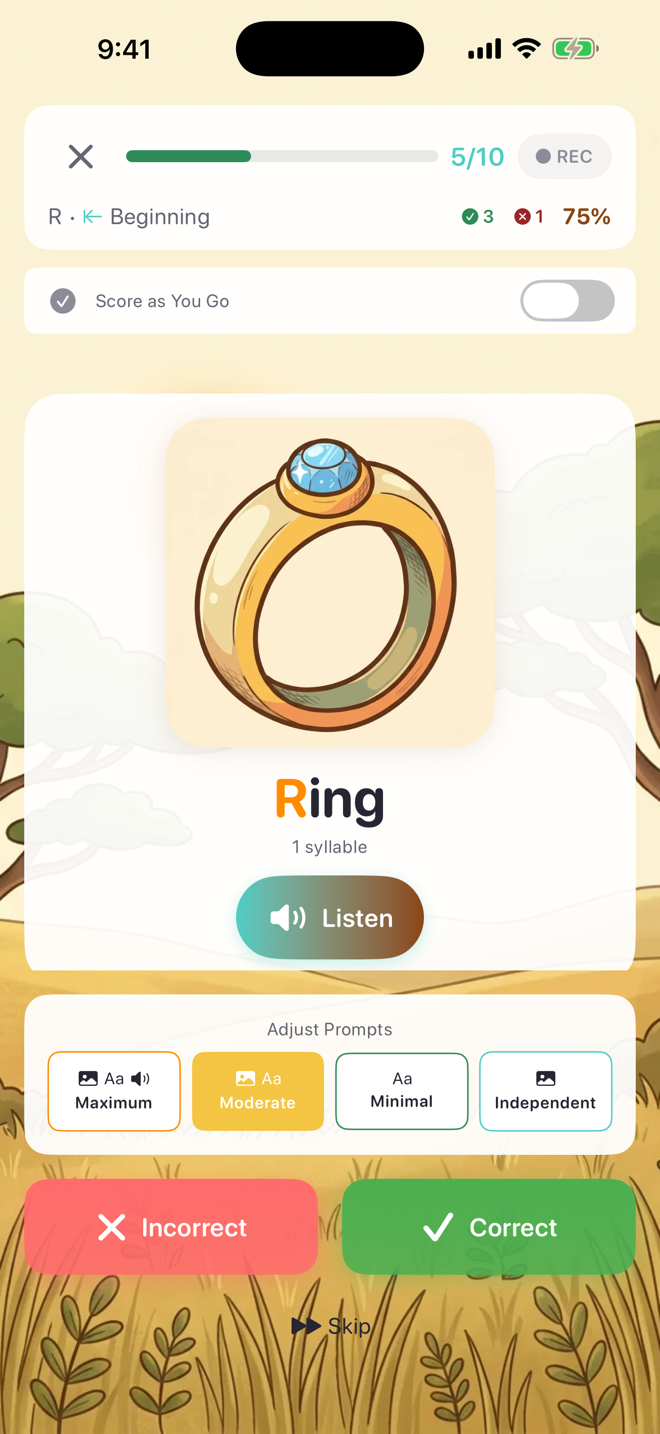
By default, each word gets two buttons: Incorrect and Correct.

If you score close attempts separately, turn on Approximate Scoring in Settings → Scoring. Sessions then show three round buttons — incorrect, approximate, and correct — and approximations are tracked as their own category in your session data.

Both scoring options live in Settings → Scoring:

Score as you go — or not at all
Every session starts in Score as You Go mode: tap a button after each attempt and it's recorded immediately.
Flip the toggle in the session header to switch to Practice Only — the scoring buttons become Back and Next, so you can move through words and keep the focus on therapy instead of data entry. You can score the session afterward from the student's Practice tab.

Discreet Scoring
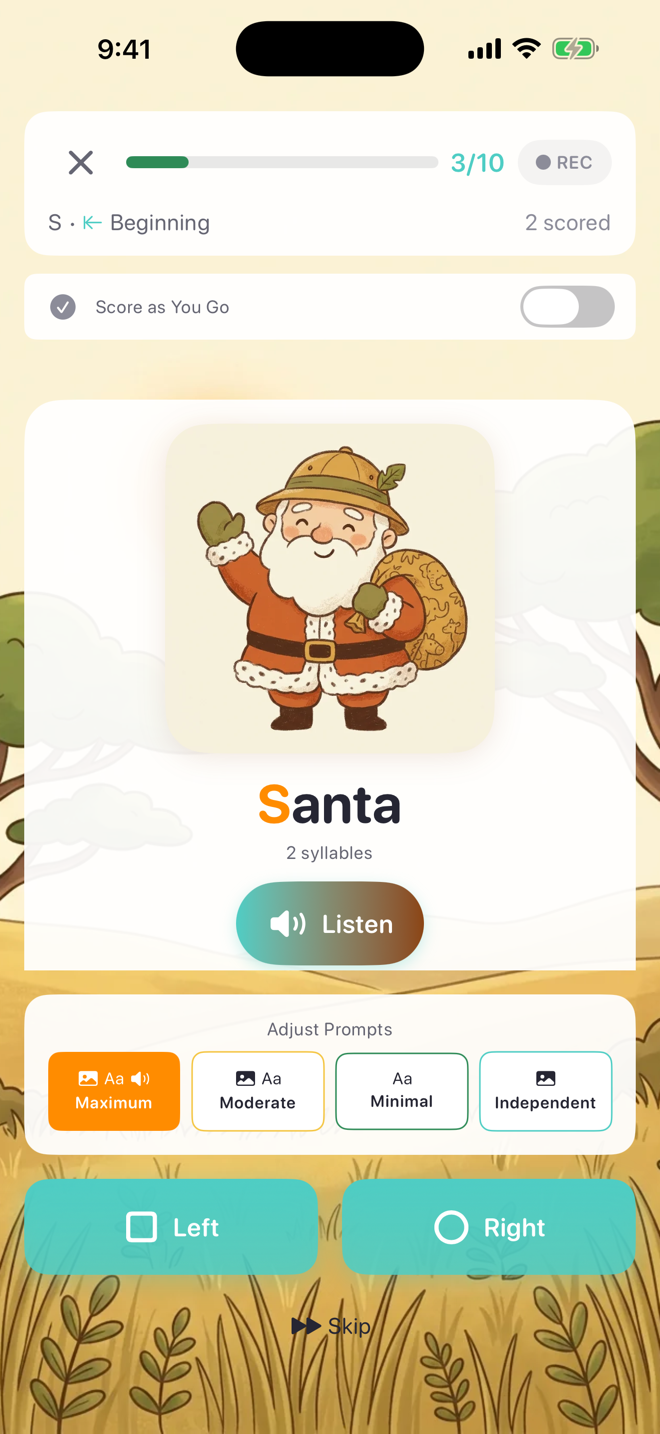
Some students fixate on their score. With Discreet Scoring on (Settings → Scoring, or per student in their profile), sessions hide the score colors and tallies: the counter shows only how many items are scored, and the buttons become neutral Left and Right. Everything is still recorded — it's just not displayed.
Prompt levels
Sound Safari follows the standard cueing hierarchy:
Maximum — picture + word + spoken model
Moderate — picture + word
Minimal — word only
Independent — picture only
Adjust the level any time during a session with the Adjust Prompts bar above the scoring buttons. The active prompt level is recorded with each response, so your data shows exactly how much support every attempt needed.
Was this helpful?
Still need help? Share an idea