Creating Custom Word Lists
Build word lists with vocabulary that matters to each student.
Custom Word Lists let you practice with vocabulary that matters to a specific student — classroom words, family names, favorite foods — instead of only the built-in database.
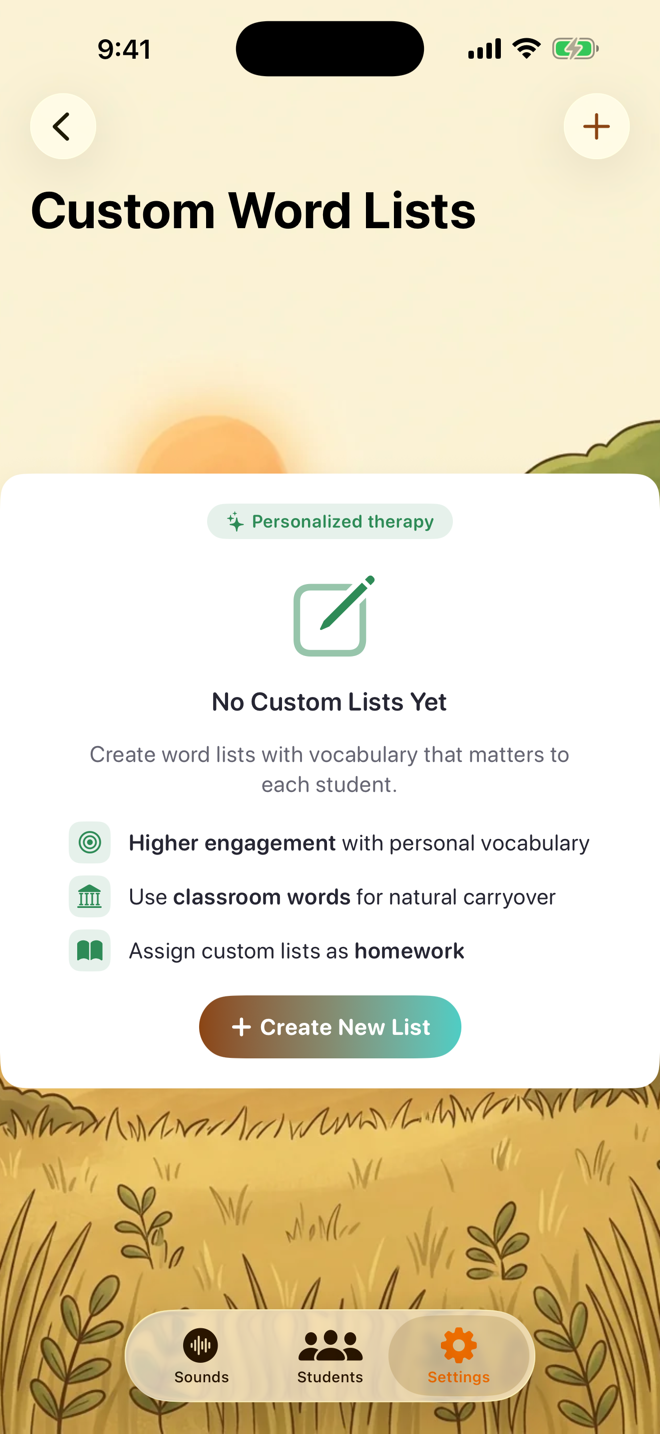
Creating a list
Go to Settings → Custom Word Lists → Create New List
Pick the target sound and word position
Name the list, then start from the suggested words — every suggestion ships with an illustration and a recorded pronunciation — or add your own words with a picture symbol from the emoji library
Tap Create

Using a list
Saved lists appear in Custom Word Lists with their sound, position, and word count, and you can edit them any time. Custom lists can also reach home practice through homework assignments.

If you'd like to help other therapists, Settings → Data → Help Improve Words shares your custom words anonymously to improve the built-in database. It's off by default and never includes student information.
Was this helpful?
Still need help? Share an idea