Practice Modes and Clinical Tools Overview
A tour of the practice activities and clinical documentation tools in Therapist Mode.
Sound Safari includes several practice activities and clinical documentation tools.
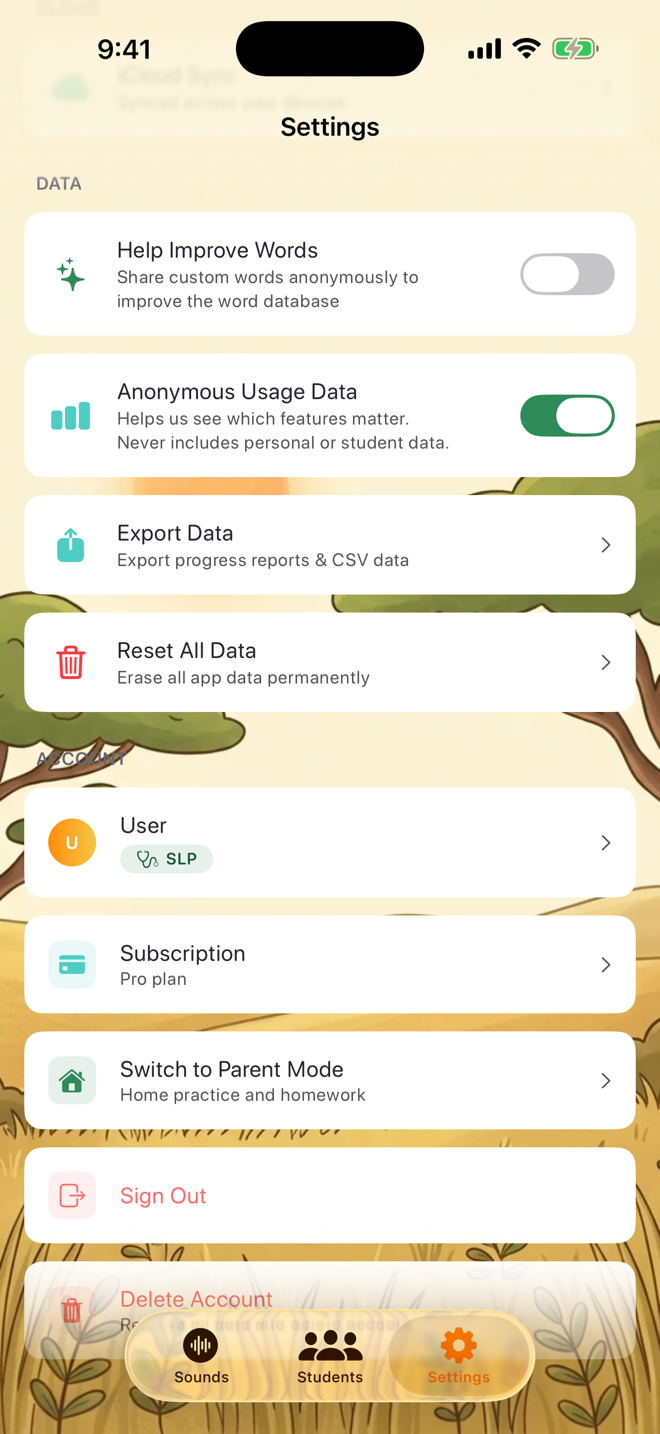
Practice Activities:
Flashcards — Classic drill with visual prompts
Matching Game — Pair cards while practicing target sounds
Spinner Wheel — Random word selection for engagement
Syllable Practice — Target sounds at syllable level
Minimal Pairs — Contrast similar sounds to build discrimination
Timed Challenge — Fast-paced practice for fluency building
Balloon Pop — Pop the balloon with the correct word
Drag & Drop — Drag word cards to their matching pictures
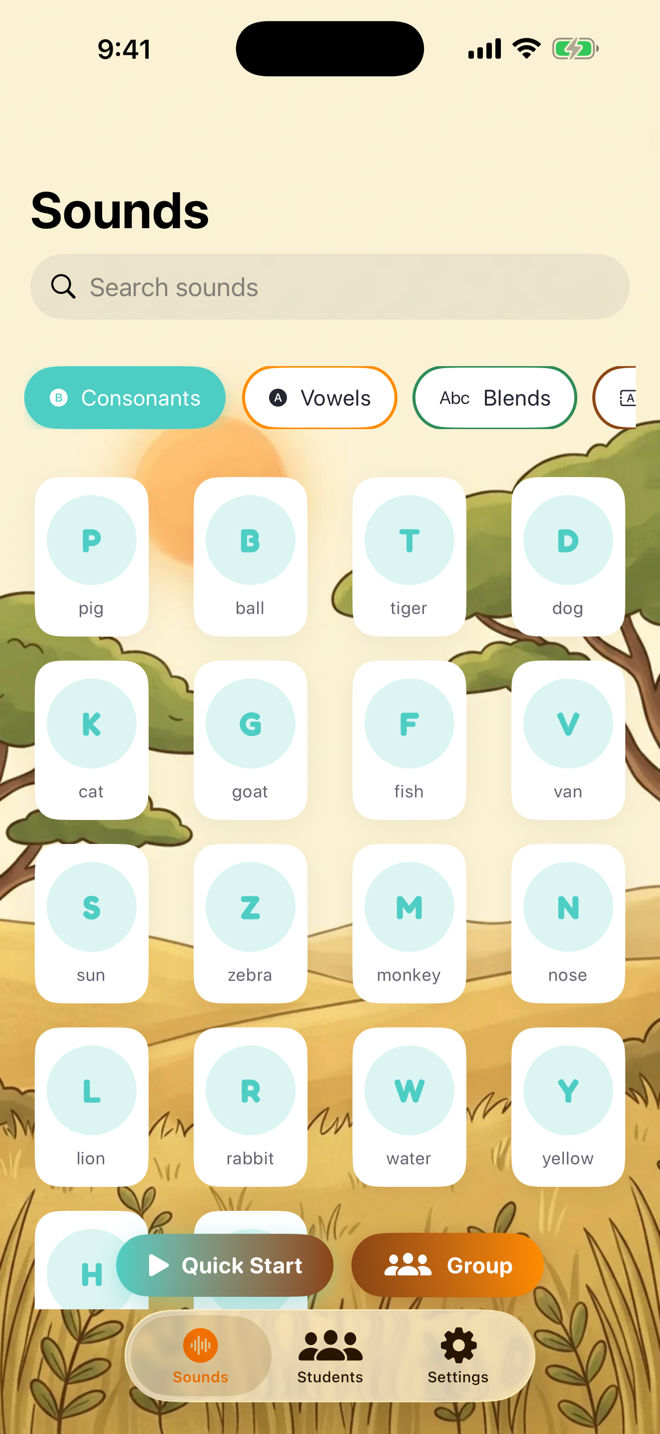
Scoring: Score each production as Correct, Incorrect, or Approximation. Adjust the prompt level (Maximum, Moderate, Minimum, Independent) using the slider at the bottom of the screen.
Clinical Documentation:
SOAP Notes — Auto-generated after each session with data pre-filled
IEP Goals — Set measurable goals and track progress toward mastery
Progress Reports — Generate PDF reports showing accuracy trends
Probes/Screenings — Run quick articulation screenings across multiple sounds
Custom Word Lists — Create your own word lists for any sound/position
Was this helpful?
Still need help? Share an idea